Hair card tool for games by HairStorm — create game-ready hair cards
One application for the entire hair card pipeline.Strands in, game-ready assets out.
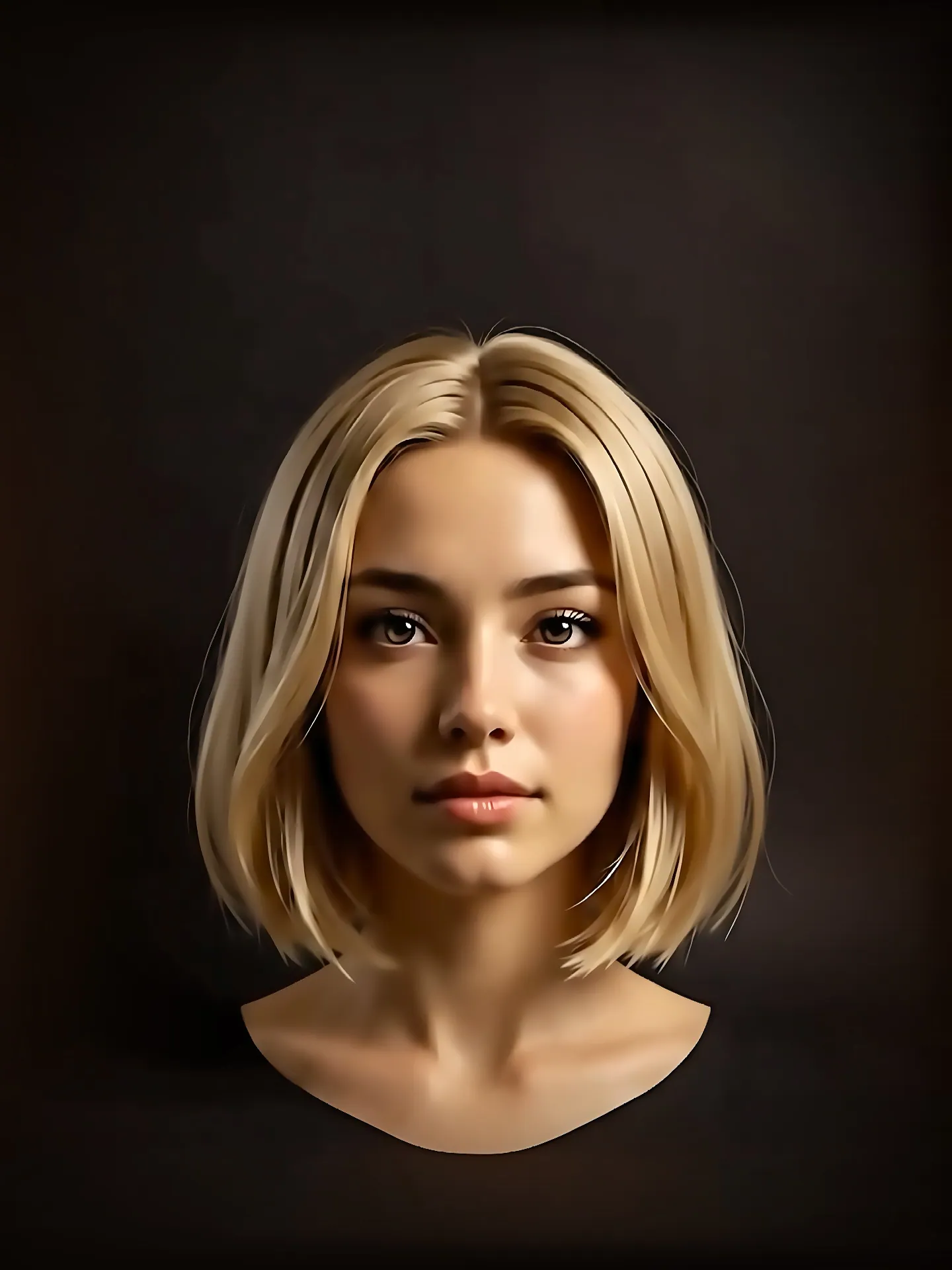
The animated sequence could not load. The still shows the finished result.
Three steps, one application.
Strands, textures, cards and grooming share one project file. Modifiers and filters stay non-destructive, so a late change is an edit, not a rebuild.
Generate strands
Draw and generate procedural strands on a flat 2D canvas. Layers keep bangs, crown and sides in separate streams, and a stack of eleven modifiers shapes each one.
2D procedural strand workspace generating and modifying strand layers.
Video transcript
Generates procedural hair strands on a layered 2D canvas in the HairStorm hair card tool. Bangs, crown and sides stay in separate layers while eleven modifiers — Noise, Curl, Clump, Taper, Frizz, Gravity, Bend, Braid, Trim, Smooth and Wave — reshape the strands non-destructively with real-time viewport feedback.
Bake selected texture maps from the visible source hair.
Video transcript
Bakes the visible hair into selected texture maps, then previews the result. Map choices include Albedo, Alpha, Normal, Roughness, and Direction. Paid plans support textures up to 4K.
Bake and review your textures
Choose the maps you need, bake the visible source hair, and inspect the color and hair outline before creating cards.
Groom cards on the scalp
Import a head model, then draw and shape hair cards directly on the scalp surface with interactive grooming tools: Select, Draw Strips, Redraw Strip, Twist, Width Size and Width Bend.
Grooming hair card strips directly onto a 3D character scalp model.
Video transcript
Imports a character head mesh, draws hair card strips directly on the scalp so cards snap to the surface, then styles them with Twist, Width and Bend controls plus Comb, Smooth, Move, Clump and Cut 3D brushes. Professional and Studio plans unlock this groom workspace.
Instant visual response as strands and hair cards are edited live in the viewport.
Video transcript
Shows changes to source-hair styling and placed cards in the viewport. Source changes need a new bake to update textures; texture filters can adjust the existing bake.
Generate, modify, and preview in real time.
Adjust source styling and card placement while watching the viewport. Bake again after source changes, then inspect the resulting maps before export.
Non-destructive modifiers
Compare clumping, curls, and other strand effects without redrawing the source hair.
Realtime maps preview
Inspect color, transparency, and hair-flow maps while reviewing the placed cards.
The handoffs are where the time goes.
Hair-card work involves several different tasks: making useful source bundles, baking textures, fitting cards, and placing them on a character.
Keep those tasks together in a HairStorm project. Return to the source when a bundle needs a new shape, or use texture filters when only its appearance needs to change.
Procedural generation on a 2D canvas
Create separate source bundles for coverage, main locks, and wisps. Shape each one with editable modifiers and compare the result as you work.
Bake and adjust your hair textures
Bake complete texture atlases directly from visible strand geometry up to 4K. Fine-tune contrast, tint, and detail with real-time non-destructive filters without roundtripping to an image editor.
Direct scalp drawing & 3D brushes
Import character heads and draw hair cards that automatically conform to the scalp surface. Style card geometry interactively in 3D space with dedicated sculpting and styling brushes.
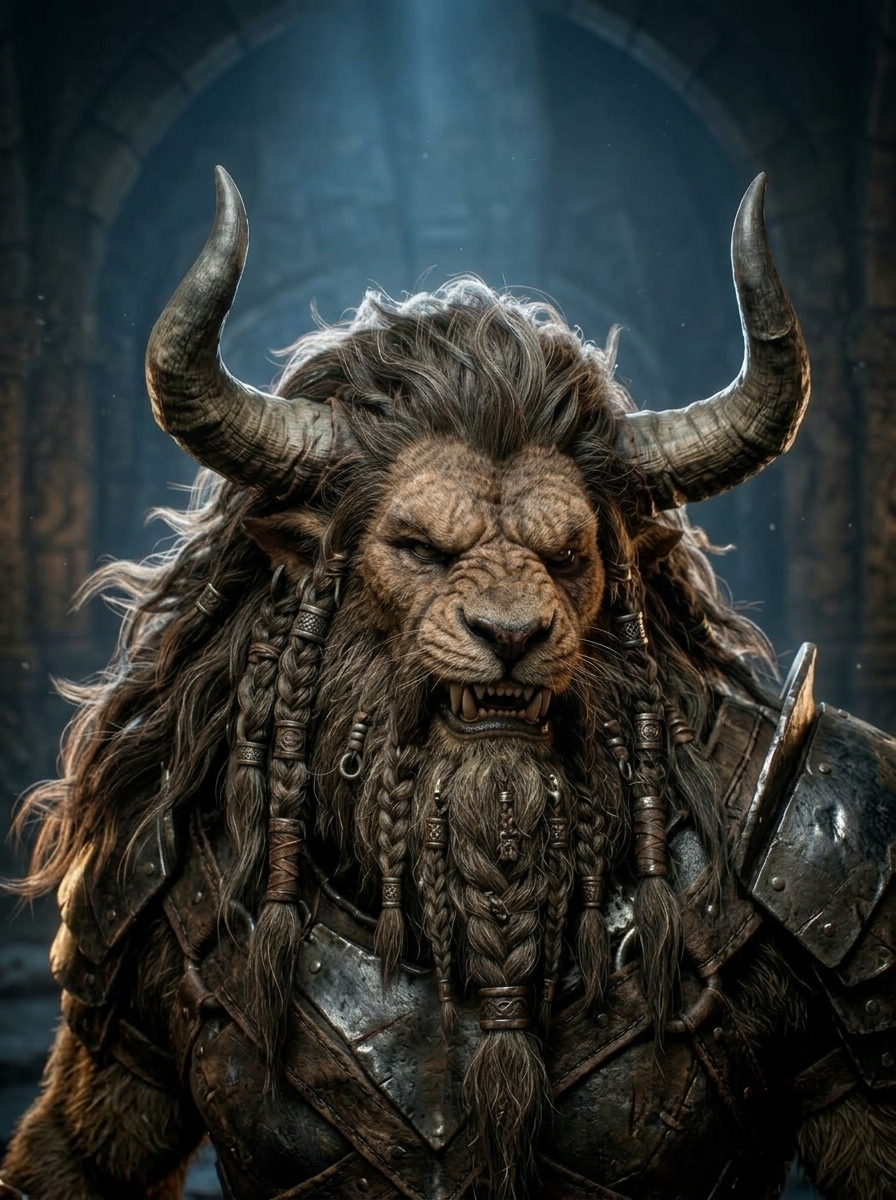
From human hair to untamed beasts.
Whether you are authoring clean hero hairstyles or dense, multi-layered creature fur with thousands of cards, HairStorm handles massive complexity with game-ready fidelity.
- Texture Maps
- Export the texture maps you need. Choose from thirteen maps, including Albedo, Alpha, Normal, Roughness, and Direction. Enabled texture adjustments are included in the export.
- UV Layout
- Create and edit flat cards. Generate rectangular or shaped cards, fit their outlines around the hair, and choose the root direction. Export flat cards when you plan to place them elsewhere.
- Groom Cards
- Export game-ready groom cards mesh. Export the cards placed on your character. Check the first import before continuing with the destination application’s material, binding, and animation workflow.
- Universal
- Take your work to another application. Use FBX, OBJ, or GLB mesh files alongside exported images. Follow the Unreal Engine or Blender guide to check size, mapping, and transparency.
Pick the workspaces you need.
1-year licenses, one machine activation each. No recurring subscriptions or automatic renewals. Re-buy a new license whenever you need to continue.
Free
Free
Free forever for learning, experimenting and building with the core hair-card workflow.
- Free forever
- Core procedural hair strand engine
- Texture baking up to 2K (2048px)
- UV Layout and 3D Grooming workspaces locked
- Community support
Personal
$49.99/ 1 year
For artists creating UV layouts, strand meshes, and exports.
- 1-Year license
- 1 machine activation
- UV Layout Workspace & UV Layout Mesh Export
- Hair Strands (3D Mesh) export (.fbx / .obj / .glb)
- Export up to 4K (4096px)
- Commercial production use (UV cards & strands)
- 3D Grooming Workspace and Groom Cards Mesh Export locked
- License recovery portal
Professional
$79.99/ 1 year
For professional artists and independent creators.
- 1-Year license
- 1 machine activation
- UV Layout & 3D Grooming workspaces unlocked
- Groom Cards Mesh Export & Hair Strands (3D Mesh) export
- UV Layout Mesh Export (.fbx / .obj / .glb)
- Export up to 4K (4096px)
- Full commercial production use
- License recovery portal
Studio
$149.99/ 1 year
For studio and commercial production work on one workstation.
- 1-Year license
- 1 machine activation
- Complete pipeline unlocked (UV Layout + 3D Grooming)
- All mesh exports: UV Layout, Groom Cards, Strands (3D)
- Export up to 4K (4096px) in FBX, OBJ, and GLB
- Studio commercial production use
- Priority support queue
- Advanced technical support
- License recovery portal
Before you download.
What do I need to run it?
A 64-bit Windows 10 or 11 workstation. A dedicated GPU is recommended. Full requirements are on the download page.
Does it work offline?
Yes. Once your license key is activated, HairStorm runs offline on your workstation for day-to-day work.
Which parts need a paid plan?
Baking texture maps is available on every plan including Free. UV card generation and editing need Personal or higher, and the Groom workspace needs Professional or Studio.
What resolution can I bake at?
Up to 2K on Free, and up to 4K on Personal, Professional and Studio.
What do I actually get out of it?
Baked texture maps plus a UV card mesh or groom mesh, written to a folder you choose in formats your engine reads. The export guide covers the settings per target.
Take one hairstyle through the whole pipeline.
Start with Free, or pick the plan that unlocks the workspaces you need.